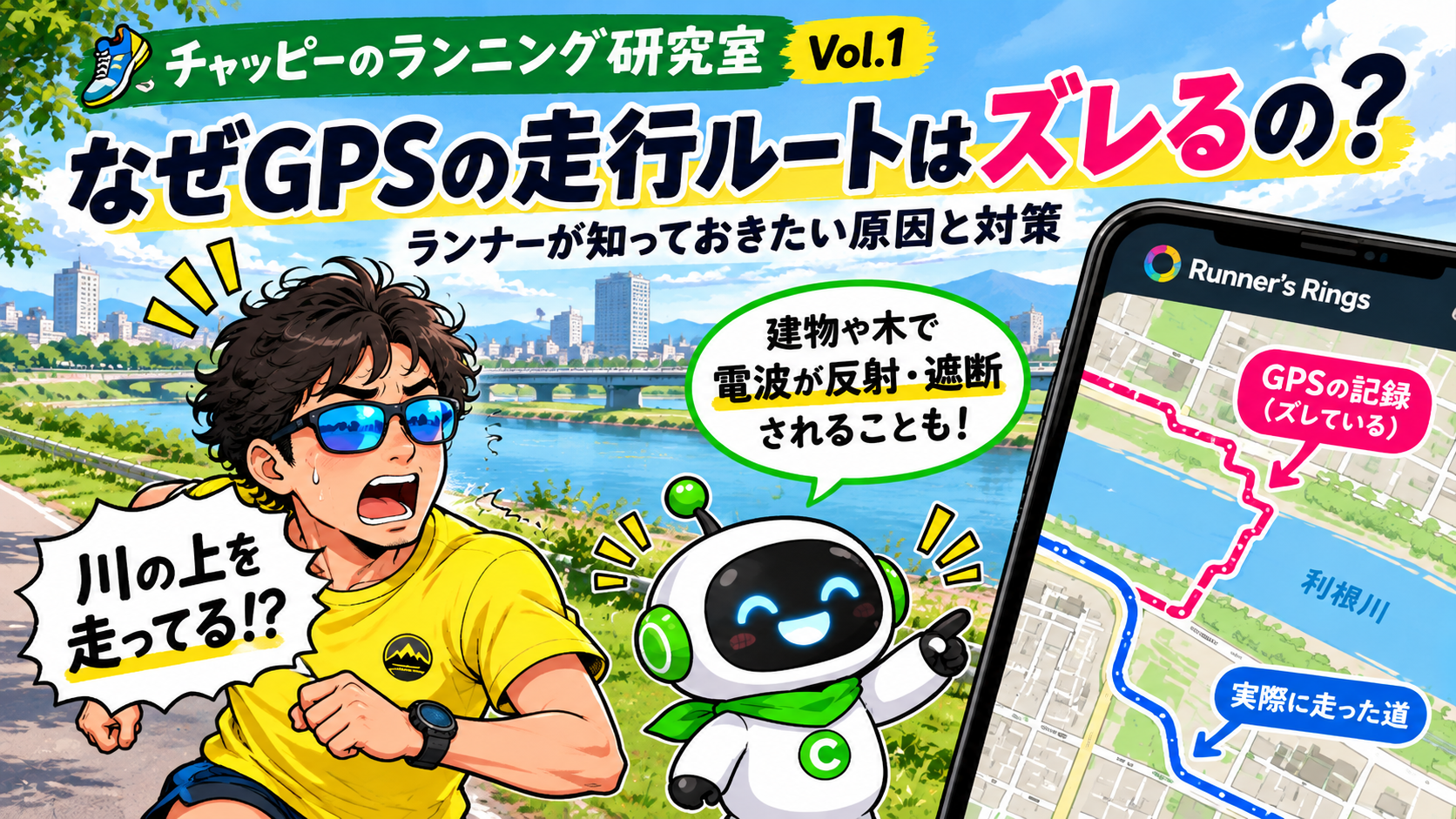
Why Does Your GPS Running Route Drift? Causes and Tips Every Runner Should Know
Ever checked your running route and discovered that your GPS recorded you running through buildings or across a river? Chappy explains why GPS errors happen and shares practical tips to help runners improve their route recordings.
CHAPPY'S RUNNING LAB — VOL. 1
Why Does Your GPS Running Route Drift?
Causes and Practical Tips Every Runner Should Know
Have you ever finished a run, checked your recorded route, and discovered that your GPS showed you running through buildings, crossing roads you never used, or even running across a river?
You're not alone!
GPS is incredibly useful, but location measurements aren't always perfect.
Today, Chappy explains why GPS routes sometimes drift and what runners can do to improve their recordings.
■ HOW DOES GPS DETERMINE YOUR LOCATION?
GPS uses signals transmitted by satellites orbiting Earth.
Your running watch or smartphone receives signals from multiple satellites and uses them to calculate your approximate location.
However, the accuracy of that calculation depends on the surrounding environment and the quality of the signals received.
■ THREE COMMON CAUSES OF GPS ERRORS
1. Signals reflecting off tall buildings
In cities with tall buildings, satellite signals can bounce off surrounding structures before reaching your device.
These reflected signals travel farther than direct signals, which can introduce errors into location calculations.
This phenomenon is called multipath interference.
2. Mountains and trees blocking signals
Mountains, dense forests, and other obstacles can partially block satellite signals.
When your device receives fewer usable signals, or the available satellites are poorly positioned, location accuracy may decrease.
3. Tunnels and underground areas
GPS devices need to receive signals from satellites.
Inside tunnels or underground, those signals may be weak or unavailable, making accurate route recording difficult.
■ THREE SIMPLE WAYS TO IMPROVE GPS RECORDING
1. Start in an open area
Before starting your run, move somewhere with a clear view of the sky whenever possible.
Wait until your watch or smartphone confirms that it has acquired a GPS signal.
2. Give your device a little extra time
Even after your device indicates that GPS is ready, waiting a little longer may sometimes improve its reception.
3. Keep your watch and its companion app updated
Some devices use satellite prediction data to acquire GPS signals more quickly.
Synchronizing your watch with its companion app may update this information, depending on the manufacturer and model.
Available GPS features and settings vary between devices.
■ YOUR RUN IS MORE THAN A GPS LINE
GPS recordings are useful, but they cannot reproduce every running route with perfect accuracy.
If your recorded distance or pace looks unusually different, check your GPS route before drawing conclusions about your performance.
Runner's Rings lets you revisit your running history by displaying past routes together on a map.
Looking back at familiar roads may reveal something you never noticed before.
■ A LITTLE TIP FROM CHAPPY
Even when your GPS gets a little lost, the effort you put into your run doesn't disappear!
Keep running, keep exploring, and keep building your personal running history.
Map the life you run.
■ REFERENCES
GPS.gov — GPS Accuracy
https://www.gps.gov/gps-accuracy
Garmin — About GPS
https://www.garmin.com/en-US/aboutgps/
Garmin — Tips for Improving GPS Satellite Reception
https://www8.garmin.com/manuals/webhelp/GUID-D93137A9-B374-4A24-8A4D-A66C9AC91265/EN-US/GUID-8F933BDD-AE3F-447F-9A06-64C4A3257DA5.html